






How to Install Windows 11 Offline Without Using an Internet Connection: Step by Step
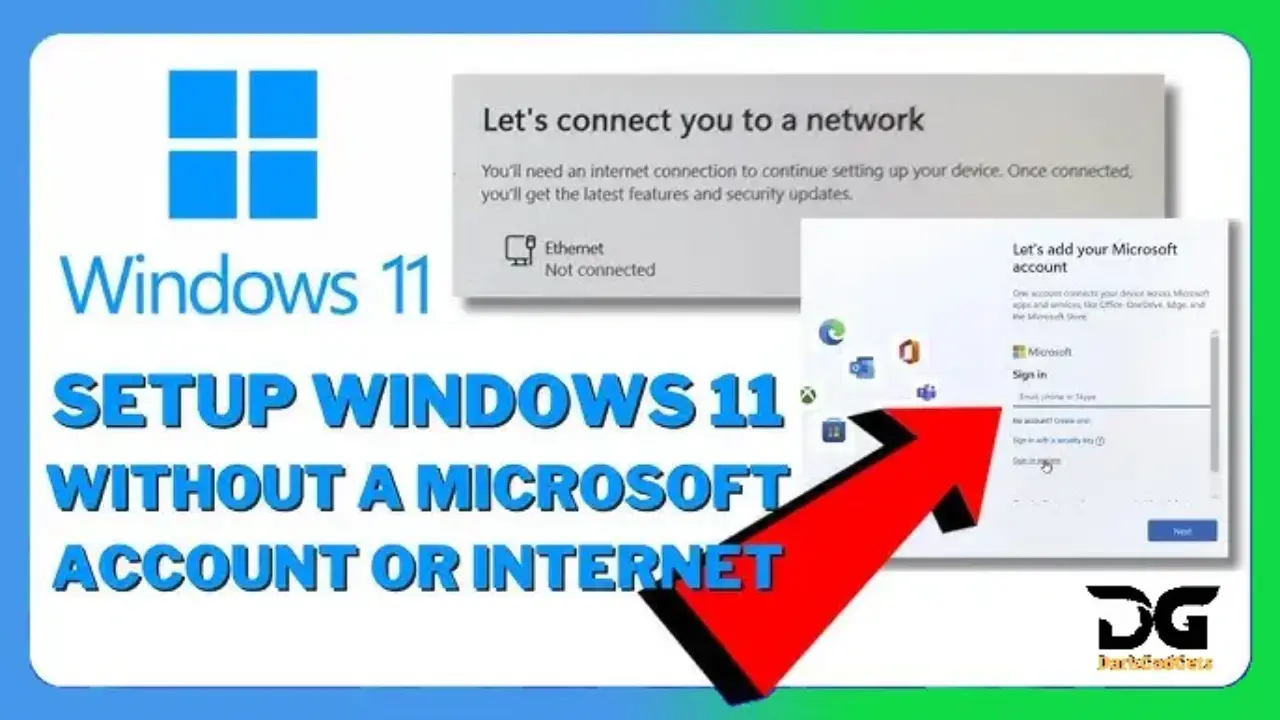
Installing Windows 11 without an internet connection can be tricky, but it is totally doable. Through this process, I have also come across many cases where users want to install Windows 11 offline, perhaps because they don’t have internet access or to avoid the online setup steps. Here I will guide you on how to install Windows 11 without an internet connection and even how to skip the network step. That way, your system will be up and running in no time. Let’s go through the steps!

What's in the post?
How to install Windows 11 without an Internet connection?
Microsoft requires internet and a Microsoft account to install Window 11 Home and Pro.
But there is a way to complete the installation without logging in, using “loopholes”.
How to bypass the requirement
- Started installing Window 11 from USB.
- When you reach the step that asks for Internet, press Shift + F10 to open the Command Prompt.
- Type: OOBE\BYPASSNRO
- and press Enter. The computer will restart.
- When you re-enter setup, you will see an option “I don’t have Internet”.
You can now go ahead and create a local account without an online login.
What you need to know
- The method works on Windows11 Home and Pro.
- You can later connect to the Internet and add a Microsoft account if you want.
- The local account gives you more privacy, but some features (OneDrive, Store sync) will not work.
Easy Steps to Install Windows 11 Without Internet Access
Install Window 11 OFFLINE 2026 – No Microsoft Account Needed!

Minimum PC requirements for Windows 11
Component and Requirement |
|
|---|---|
| Processor | 1 GHz or faster with 2 or more cores on a compatible 64-bit processor or SoC |
| RAM | 4 GB or more |
| Storage | 64 GB or larger storage device |
| System Firmware | UEFI, Secure Boot capable |
| TPM | Trusted Platform Module (TPM) version 2.0 |
| Graphics Card | Compatible with DirectX 12 or later, with a WDDM 2.0 driver |
| Display | 720p HD display that is 9 inches or greater diagonally, with 8 bits per color channel |
| Internet Connection | Required for updates and certain features; a Microsoft account is also required for Window 11 Home first-time setup |
Frequently Asked Questions
How to install Windows 11 without signing in to a Microsoft account?
I know about the method
OOBE\BYPASSNRO
but here’s the problem: I was already connected to a wifi network before I knew I would be asked to connect. Now the above method doesn’t seem to work. The installation skips the network setup stage and goes to the login page. Is there a way to restart the installation process and make it forget the wifi? I haven’t been able to find an answer to this specific problem. Any help would be appreciated.
EDIT: For anyone who finds themselves in this post looking for an answer – I found a way. From the command line you can reset the computer using ” systemreset –cleanpc “. This makes Windows forget the previous network.
How to Install Windows 11 Without a Microsoft Account
There’s a simple trick to setting up Windows11 with a local account, which involves running a command to bypass the need for an Internet connection and then disconnecting at the right time during the setup. This method works for both a clean install of Windows11 and the initial setup of a new PC from a store.
Can I create a local account if I install Windows 11 without the internet?
Yes, you can create a local account if you skip the network setup during setup. This will allow you to use Window 11 without a Microsoft account.
Can I install Windows 11 offline without an internet connection?
Yes, you can install Window 11 without using the Internet. The secret is to bypass the network setup during installation by using the “I don’t have an internet connection” or “Skip for now” option.
What if I can’t bypass it during installation?
You should ensure that the installation media was created correctly and that your BIOS settings allow offline installation. Try creating the bootable media again with Rufus or another installation tool.
Disclaimer:
At the time of writing this post, 5 Best OnePlus Nord 5 Alternatives Under ₹35,000, its price keeps changing with time smartphone offers.
If you find this post useful, please like, share and comment on it. Please tell us what else is missing in this post. Thank you.
For more information, you can follow DarkGadgets on medium, Facebook , For more news on mobile phones, tech, guides, and more , visit DarkGadgets .


