


Redmi Pad 2 Review: If you’re like me, and sometimes get tired of the small screen size of your phone, whether it’s for your kids’ online classes, checking work documents, or simply enjoying Netflix on a larger screen in your bedroom, then a budget tablet is the perfect answer. The Redmi Pad 2 proves to be a great and affordable option for all of these purposes.
Tablets like the OnePlus Pad Go and Lenovo’s M10/M11 offer good features, but they cost a bit more. The Redmi Pad 2, on the other hand, is not only slightly cheaper but also has a larger battery, which is a big plus for users like me.
The features an 11-inch screen and a 9000mAh battery at a price of just ₹13,999. It also offers stylus support. I’ve been using this tablet for some time now, and let’s find out how it performs and how well it will support you in this Redmi Pad 2 review.
What's in the post?
Best Budget Tablet for 2025? | Xiaomi Redmi Pad 2 Pro Review
Top 5 Pros and Cons of the Redmi Pad 2
Redmi Pad 2 Review: Can this budget tablet be your everyday companion?
Redmi Pad 2 Unboxing Review:
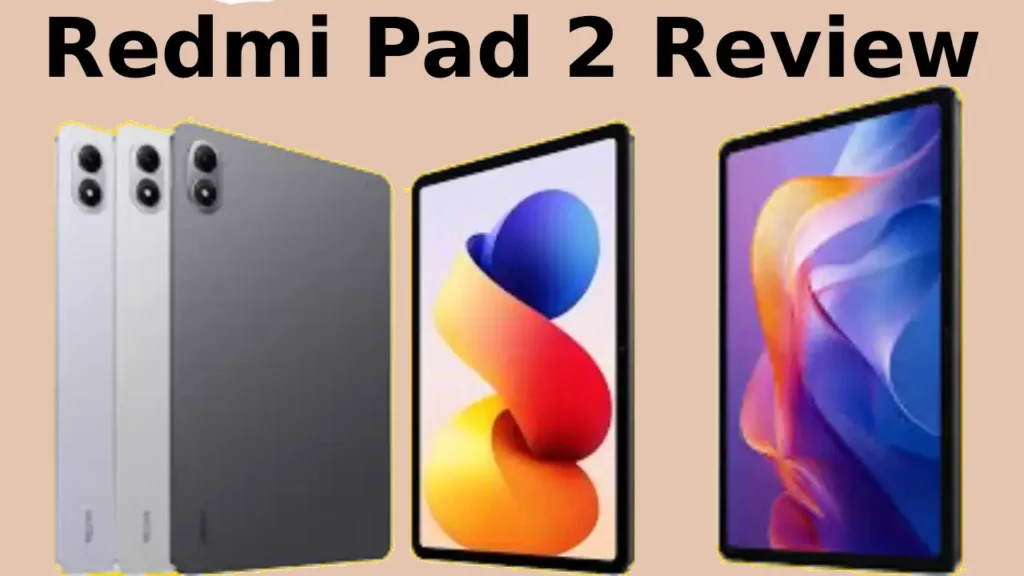
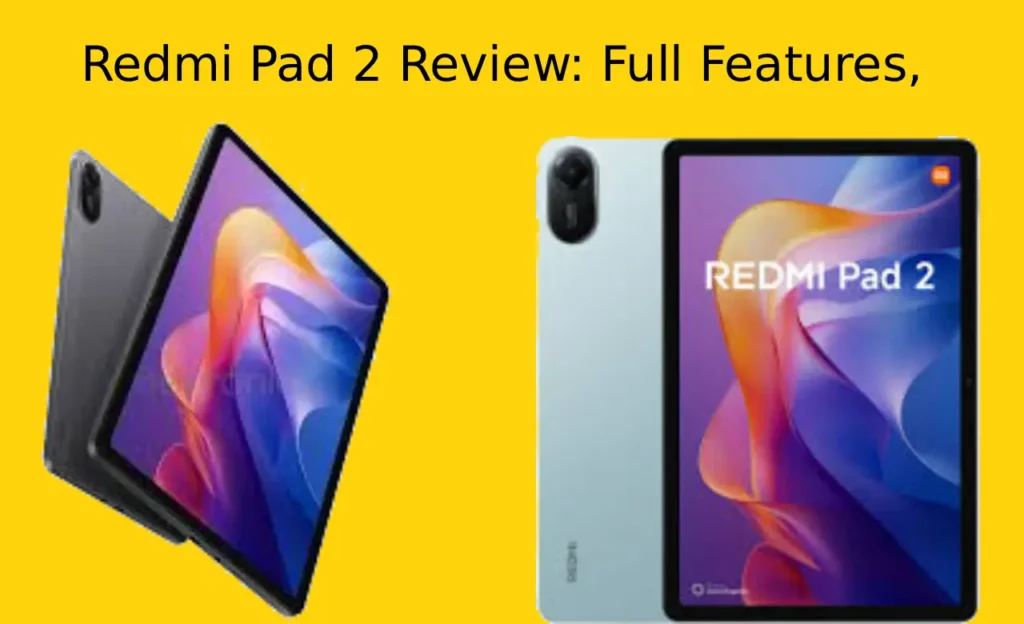
The Redmi Pad 2 impressed me at first glance, especially at this price point. Most of its body is made of metal, but the left side, as you can see below the camera, is made of plastic. The metallic finish gives this tablet a premium feel, even at this price point, similar to metal-bodied tablets like the OnePlus Pad Go.
Speaking of color, the variant I received was Graphite Gray. It’s a simple yet pleasant color that will appeal to users of all ages. However, those looking for something a little different and fresher can opt for the Sky Blue variant.
The thick bezels (about 1cm) around the screen. While the OnePlus Pad Go, a budget option, offers a modern look with slightly thinner and sleeker bezels, this Redmi tablet feels a bit basic.
Redmi Note 15 Pro 5G Launch In India
Its rear panel features a dual shade of gray. One side, which is a slightly lighter gray, has the Redmi branding at the bottom and runs through the camera module at the top. The rear camera is located on the top left, housed in a protruding capsule-shaped camera module. While it looks a bit protruding, it doesn’t actually hinder use. However, there’s no built-in flash.
The tablet’s four speakers are located on the top and bottom edges, meaning you get two speakers each on the top and bottom, which come with Dolby Atmos support. The bottom edge also houses the USB-C charging port and 3.5mm audio jack. The top edge houses the power button, and the right side houses the volume rocker.
The WiFi+Cellular variant that I have also has a SIM slot for two nano-SIM cards on the right side.
Overall, design is simple but nice. The company hasn’t tried to add much flair or excitement to it, but it still looks good. For those who just want a simple tablet, this is a good option, but if you’re looking for a more premium feel or a better build, options from OnePlus or Lenovo might be more appealing, but they’ll also cost more.
Redmi Pad 2 Display review:

The Redmi Pad 2 features an 11-inch IPS LCD display with a 2560 x 1600 pixel resolution and 276ppi density. It looks sharper and better than the previous model, and the color quality is decent. The 10-bit color support also makes for a good video streaming experience.
It comes with a brightness of up to 600 nits, which is good for indoor use at home or office and works well even in the current weather outside, but it is not that good in bright sunlight. But still its brightness is less compared to tablets like OnePlus Pad Go. It also has Wet touch technology, which means you can use the phone with wet hands, but when I tested it, it did not work that well. If the hands are wet while typing something, it does not respond well, which causes difficulty in typing. However, it is protected against some water drops with an IP52 rating.
The screen is good, but due to its low-quality LCD, you might notice a slight darkness around the edges, but only if you look closely. However, contrast also varies when viewed from different angles. Furthermore, there’s no auto-brightness option, so you’ll have to adjust the brightness yourself based on the content or indoor/outdoor settings.
It supports a 90Hz refresh rate, and users can choose between auto, 60Hz, or 90Hz modes. Overall, the display is good for everyday use, but the brightness is a bit low. However, the company could have improved it a bit.
Redmi Pad 2 Speakers review:
Redmi Pad 2 speakers quality? It has two speakers on the top and two on the bottom, with Dolby Atmos support. I found the sound to be quite loud and clear with all four speakers. I used it with Dolby Atmos only. However, you can also choose Xiaomi Sound under Dolby effects. There are also several graphic equalizer options, such as Custom, Hip Hop, Jazz, etc. Of these, I found the combination of Dolby Atmos and Custom to be the best.
Whatever content I watched or music I listened to on it, I had no complaints with its audio quality considering its price.
Redmi Pad 2 Performance Review:
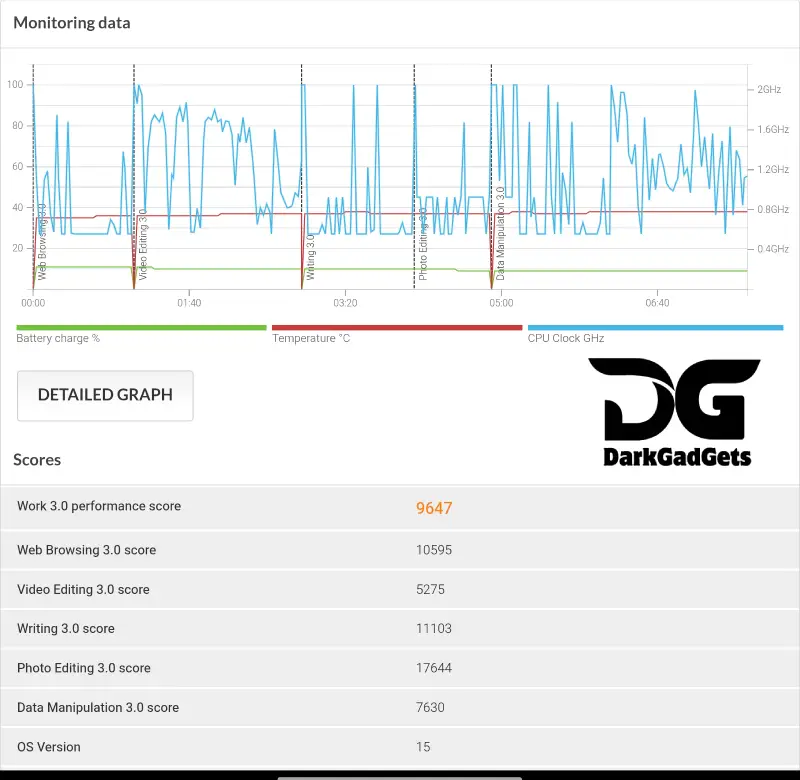
The Redmi Pad 2 features MediaTek’s new Helio G100 Ultra chipset, which is a significant upgrade over the Helio G99 in the older Redmi Pad. However, both chips are built on the same 6nm process and have the same combination of CPU and GPU cores – 2x Cortex-A76 (2.2GHz) and 6x Cortex-A55 (2.0GHz) with a Mali-G57 MC2 GPU. Overall, this isn’t a great upgrade, though you won’t have any performance issues with it for everyday tasks.
Redmi A3 Price In India and Specifications
The base variant of the Redmi Pad 2 comes with 4GB of RAM and 128GB of storage, but I got the 8GB of RAM and 256GB of storage variant for review, which is better and smoother. I watched videos, did some work, made video calls, and browsed the web. It was perfect for all of these tasks. Apps ran smoothly, the UI was smooth, and there was no lag. You can easily play basic 3D or casual games on it, although it’s not exactly for high-end gaming. To be honest, I didn’t expect much at this price.
In terms of benchmarks, the Redmi Pad 2’s AnTuTu score is 430,659, which puts it slightly ahead of the OnePlus Pad Go (Dimensity G99, AnTuTu – 379,887) and the Galaxy Tab A9+ (Snapdragon 695, AnTuTu – 413,000). However, both of these tablets are slightly more expensive than the Redmi Pad 2.
The Redmi Pad 2 also scored 721 (single-core) and 1951 (multi-core) on Geekbench, which is better than the OnePlus Pad Go’s scores and slightly behind the Galaxy A9+. I’d say this chipset isn’t a top performer, but it’s balanced and appropriate for this budget.
We’ve run some benchmarks on it and compared it to some other tablets, which you can see below:
Synthetic benchmarks
Tablet AnTuTu score Geekbench single or multi-core Starting prices | |
|---|---|
| Redmi Pad 2 | 430,659 721 and 1951 13,999 (4+128GB) Wi-Fi |
| OnePlus Pad Go | 379,887 717 and 1884 16,999 (8+128GB) Wi-Fi |
| Samsung Galaxy A9+ | 413,000 919 and 1993 13,990 (4+64GB) Wi-Fi |
| Lenovo Tab M11 | 266,791 436 and 1379 15,999 (4+128GB) LTE + Pen |
Overall, the Redmi Pad 2 doesn’t bring any major performance upgrades, but it’s no slouch compared to other tablets in this budget. It delivers on its promises.
Redmi Pad 2 software features
The Redmi Pad 2 is one of the first budget tablets to run HyperOS 2.0 based on Android 15. My experience with this UI was good. It feels smooth and clean. UI transitions are also fast. Basic apps like YouTube, Google Chrome, and WhatsApp work well on the large screen and are optimized for use on this tablet.
You’ll see a few pre-installed apps here, but most aren’t particularly annoying, so you can uninstall them. Multitasking is also easy with split-screen mode. Overall, the interface feels refreshed and refreshed. You’ll also find features like Google’s Circle to Search and Gemini AI.
Redmi Pad 2 camera review
- Rear: 8MP f/2.0, 1.12μm
- Front: 5MP f/2.2, Teleprompter/HDR
The Redmi Pad 2’s single rear camera and front camera setup make it clear that it’s not specifically for photography, but rather for use as needed. There’s a single 8MP rear camera, and the only significant drawback is the lack of a flash. You can use it for scanning documents or taking photos during the day. However, the image quality is average.
However, the front camera is downgraded, not upgraded, compared to the Redmi Pad. You get a 5MP selfie camera compared to the previous Pad’s 8MP front camera, and it’s in landscape mode. With this camera, you can attend video calls, but the quality is decent.
Overall, the camera setup on the Redmi Pad 2 is very simple and useful.
Redmi Pad 2 Battery and Charging Review:
Redmi Pad 2 battery backup? The Redmi Pad 2’s biggest highlight is its powerful battery. It’s fitted with a larger 9,000mAh silicon-carbon battery, which is a significant upgrade over the 8,000mAh battery in the previous Redmi Pad.
Xiaomi claims that this tablet can deliver up to 234 hours of music playback or 17 hours of video playback with this battery. In my own usage, I spent about 3 hours a day on Netflix, surfing social media, and doing benchmark testing. Even after that, it still had about 65 percent battery left. After my usage, I expect this tablet to last me about 3-4 hours with moderate tasks.
Speaking of charging, the tablet comes with a 15W charger, but it supports 18W fast charging. Charging with the included charger takes over 2.5 hours. The large battery offers a solid backup, but charging speeds aren’t that fast.
Overall, the battery of the Redmi Pad 2 is better than other tablets in this price range, but the fast charging is a bit disappointing, although I can overlook this shortcoming in this budget.
Redmi Smart Pen
Another highlight of the Redmi Pad 2 is its Redmi Smart Pen support. Pen support isn’t often available at this price point, making it a surprising addition. While the stylus doesn’t come with the tablet and you’ll need to purchase it separately, the experience is satisfactory. Touch response is good. For those who want to take digital notes or do light designing, it could be a useful tool.
I’ve used it for a while, and my first impressions are that it’s great for taking daily notes, marking up screenshots, or basic sketching for kids. Don’t expect it to respond as quickly as Samsung’s S-Pen or Apple Pencil, though.
The Redmi Smart Pen isn’t a game-changer, but it’s a nice surprise considering the price it’s available at.
You can buy this Smart Pen separately for Rs 3,999.
Review Verdict: Should you buy the Redmi Pad 2?
- DarkGadgets Rating: 8/10
- Design: 8/10
- Display: 7/10
- Software: 8/10
- Speakers and Haptics: 8.5/10
- Performance: 8/10
- Cameras: 6.5/10
- Battery and Charging Speed: 7.5/10
If you’re looking for a simple, budget-friendly tablet that can handle your daily needs like watching videos, attending kids’ online classes, some work, and light gaming, the Redmi Pad 2 is a solid choice. Features like the 9000mAh battery, 90Hz display, HyperOS software, and stylus support help it stand out in this segment. While its build quality, display brightness, and charging are some of its drawbacks, these can be overlooked considering the price. Overall, the Redmi Pad 2 delivers on its promise, offering a reliable and no-nonsense tablet under Rs 15,000.
FAQ
Does Redmi Pad 2 lag?
Redmi Pad 2 For daliy use, it runs smoothly. But extra heavy apps or multiple apps open at once may slow it down on lower RAM version.
How good are the cameras on Redmi Pad 2?
They are basic (for video calls and documents). Not recommended for photography or detailed video recording.
Is the Redmi Pad 2 worth buying in 2025?
exactly, if you need a heavy budget tablet for media, study, and light daily tasks. But skip it if you want powerful gaming or pro level capacity.
Can the Redmi Pad 2 replace a laptop?
Not fully. It’s good for basic tasks, notes, music, reading PDFs, and classes, but not ideal for heavy production, video editing, or large multitasking.
Is the display bright enough for outdoor use?
The Redmi Pad 2 11-inch 2.5K display is great indoors, but brightness is limited fixed outdoors. Sunlight visibility is only ordinary.
How long does the Redmi Pad 2 battery last?
Xiaomi claims that this tablet can deliver up to 234 hours of music playback or 17 hours of video playback with this battery. In my own usage, I spent about 3 hours a day on Netflix, surfing social media, and doing benchmark testing. Even after that, it still had about 65 percent battery left. After my usage, I expect this tablet to last me about 3-4 hours with moderate tasks. The tablet has a 8,000mAh battery that lasts 10–13 hours of mixed usage.
Is Redmi Pad 2 good for gaming?
You can easily play basic 3D or casual games on it, although it’s not exactly for high-end gaming. To be honest, Best performance is on low or balanced settings.
Disclaimer:
At the time of writing this post, Redmi Pad 2 Review: Full Features, Performance, Battery, Pros & Cons Explained, prices are subject to change due to smartphone offers.
If you find this post useful, please like, share and comment on it. Please tell us what else is missing in this post. Thank you.
For more information, you can follow DarkGadgets on medium, Facebook , For more news on mobile phones, tech, guides, and more , visit DarkGadgets.
